




 4.5 on WordPress.org
wpDataTables registers its abilities
Actions such as creating tables and charts are registered in the WordPress Abilities API. No separate action configuration is needed.


Ask your AI assistant to create a table, build a chart from your data, or update a table and watch it happen without navigating the WordPress admin. wpDataTables MCP connects your data to any MCP-compatible AI client through a structured, permission-checked endpoint.
4.5 on WordPress.org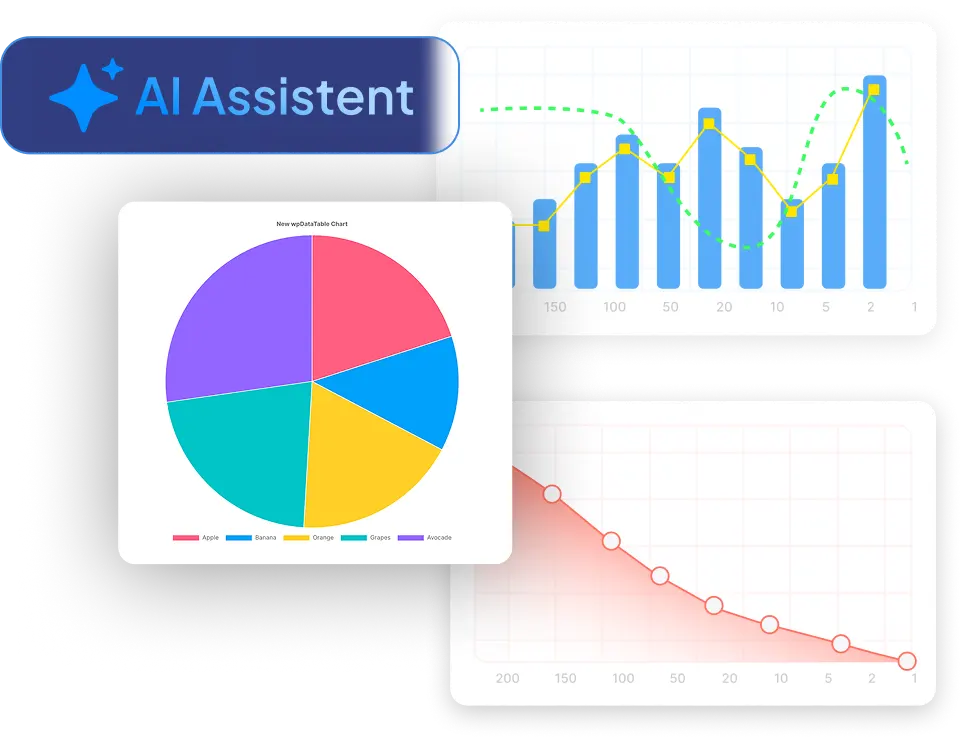
Create tables, generate charts and query your data in WordPress using plain-language AI commands. Bring your own AI assistant, wpDataTables does the rest.
wpDataTables registers its data actions in the WordPress Abilities API. An MCP adapter bridges them to any compatible AI client through a standardized, authenticated endpoint.
Actions such as creating tables and charts are registered in the WordPress Abilities API. No separate action configuration is needed.
Connect Claude Desktop, Claude Code, or Cursor. The AI discovers the available actions automatically.
/wp-json/mcp/wpdatatables-mcp-server
Ask in plain language. The AI calls the matching wpDataTables action and the result appears in WordPress.
You ask. wpDataTables executes.Ask your AI to build a table, create a chart, or get your data and wpDataTables handles the rest.
Build tables from scratch, update their configuration, and list everything you have all through plain-language instructions to your AI client.
Define columns, data types, and sources in plain language. wpDataTables builds the table and makes it available immediately.
List all tables or retrieve the data from a specific table for quick access to the information you need.
Rename a table, change its settings, or adjust how it displays by telling your AI assistant what to change.
Ask your AI to build a chart from any wpDataTables dataset, including bar charts, line charts, pie charts, and more and the chart appears in WordPress.
"Create a bar chart of revenue by region from the Q1 Sales table." Done. Chart built, ready to embed with a shortcode.
Retrieve a list of all charts, or get the underlying data for a specific chart, which is useful for verifying what's displayed.
Watch an AI assistant handle real wpDataTables tasks through plain-language commands: no clicks, no forms, just a single instruction and a result that appears directly in WordPress.

wpDataTables MCP uses the WordPress Abilities API and a dedicated WordPress MCP Adapter endpoint. Setup is a one-time configuration in your AI client.
WordPress 5.3 or newer is required. The Abilities API is native in WordPress 6.9; on earlier supported versions, wpDataTables loads it through Composer.
The AI client uses an authenticated WordPress account and can only perform actions that account is permitted to do.
Point your MCP-compatible client to the endpoint. The AI discovers available actions automatically.
/wp-json/mcp/wpdatatables-mcp-serverThree tools, one AI conversation. Collect with IvyForms, book with Amelia, and analyze with wpDataTables.

Create appointments, manage services and employees, handle customer data, and create events.

Create forms, manage fields, review entries and notifications, all through your AI assistant.

Build tables and create charts from your data for easier analysis, all from a single AI instruction.
 Collect with IvyForms

 Book with Amelia
 Work with data in wpDataTables
All accessible to your AI workflow through the same MCP-based WordPress architecture.
At the moment, the AI can list tables, retrieve table data, create tables, update tables, delete tables, list charts, create charts, get chart data, run read-only queries, and export table data.
Not through Run query. That action is read-only by design. It can filter and inspect rows, but not insert, update, or delete them. Data changes only go through the Create table, Update table, and Delete table actions.
Any MCP-compatible client. Claude Desktop, Cursor, and Claude Code are confirmed. Any other client that supports the Model Context Protocol should work once pointed at the /wp-json/wpdt-mcp/mcp endpoint.
WordPress 5.3 or newer. On WordPress 5.3–6.8, wpDataTables loads the Abilities API via Composer automatically. On WordPress 6.9+, it's bundled natively.
No. The integration only adds an external connection point. Nothing changes in the table management screens, chart renderer, or query engine. All existing tables and charts continue to work exactly as before.
Exactly the permissions of the WordPress account it's authenticated as — no more, no less. If that account can't create tables, the AI can't create tables. Unauthenticated requests are rejected. Use an account with minimal necessary permissions.
It's the ability to create and explore your data — tables and charts — through plain-language instructions instead of manual configuration. With wpDataTables you connect an AI assistant to your site and ask it to build a table, generate a chart, or query your data; the result appears in WordPress, ready to embed.
Yes. Ask your connected AI assistant to “create a bar chart of revenue by region from the Q1 Sales table” and wpDataTables builds the chart, ready to embed with a shortcode. Bar, line, pie and more are supported.
Yes — read-only. You can ask questions like “show me all orders where status is pending and total is over $500,” and wpDataTables returns the matching rows. Querying never changes your data; edits happen only through the dedicated create / update / delete actions, each permission-checked.
Any MCP-compatible AI client. Claude Desktop, Claude Code and Cursor are confirmed; any other client that supports the Model Context Protocol should work once pointed at the wpDataTables MCP endpoint.
It works with any client that supports the Model Context Protocol. Claude Desktop, Claude Code and Cursor are confirmed today. As more assistants (including ChatGPT) add MCP client support, they will connect the same way — through the authenticated wpDataTables endpoint.
Yes. Point your AI assistant at your data and ask it to create a table; wpDataTables builds it in WordPress and makes it available immediately, so a spreadsheet or CSV becomes a live, embeddable table.
wpDataTables offers a free Lite version on WordPress.org (4.5/5 from 449 reviews, 70,000+ installs). The AI integration uses the WordPress Abilities API and a dedicated MCP adapter endpoint — you bring your own MCP-compatible AI client.