One of our biggest wpDataTables updates is here, bringing AI-powered features, advanced permissions, new developer tools, and more ways to work with your WordPress data.
Over the years, wpDataTables has grown from a WordPress table builder into a powerful solution for creating, managing, and visualizing data.
And with every update, we’ve been working toward the same goal: making complex data easier to work with while giving our users more flexibility and control.
With wpDataTables 8.0, we’re taking another big step in that direction.
This release introduces smarter AI-assisted workflows, better integration with external tools, more granular permissions, and expanded capabilities for developers and advanced users.
Let’s take a look at what’s new.
Table of Contents
1. AI-Powered SQL: Work with Databases More Easily

Working with SQL queries can be intimidating, especially when you know what information you need but aren’t sure how to write the query to retrieve it.
wpDataTables 8.0 introduces AI-powered SQL query generation to make this process more approachable.
Instead of starting with a blank SQL editor, you can use AI assistance to help generate queries based on what you’re trying to accomplish.
Whether you’re building reports, displaying database records, or preparing data for visualization, AI-powered SQL can help reduce the manual work involved in writing queries.
And if you’re already comfortable with SQL? You can continue working with your queries directly.
The goal isn’t to replace the flexibility of SQL. It’s to make it more accessible.
What this means for you:
- Spend less time writing SQL queries from scratch.
- Make database-driven table creation more approachable.
- Keep the flexibility to review and adjust queries yourself.
2. Better MCP Integration: Connect Your Favorite AI Assistant
AI doesn’t have to live inside WordPress to help you manage your WordPress data.
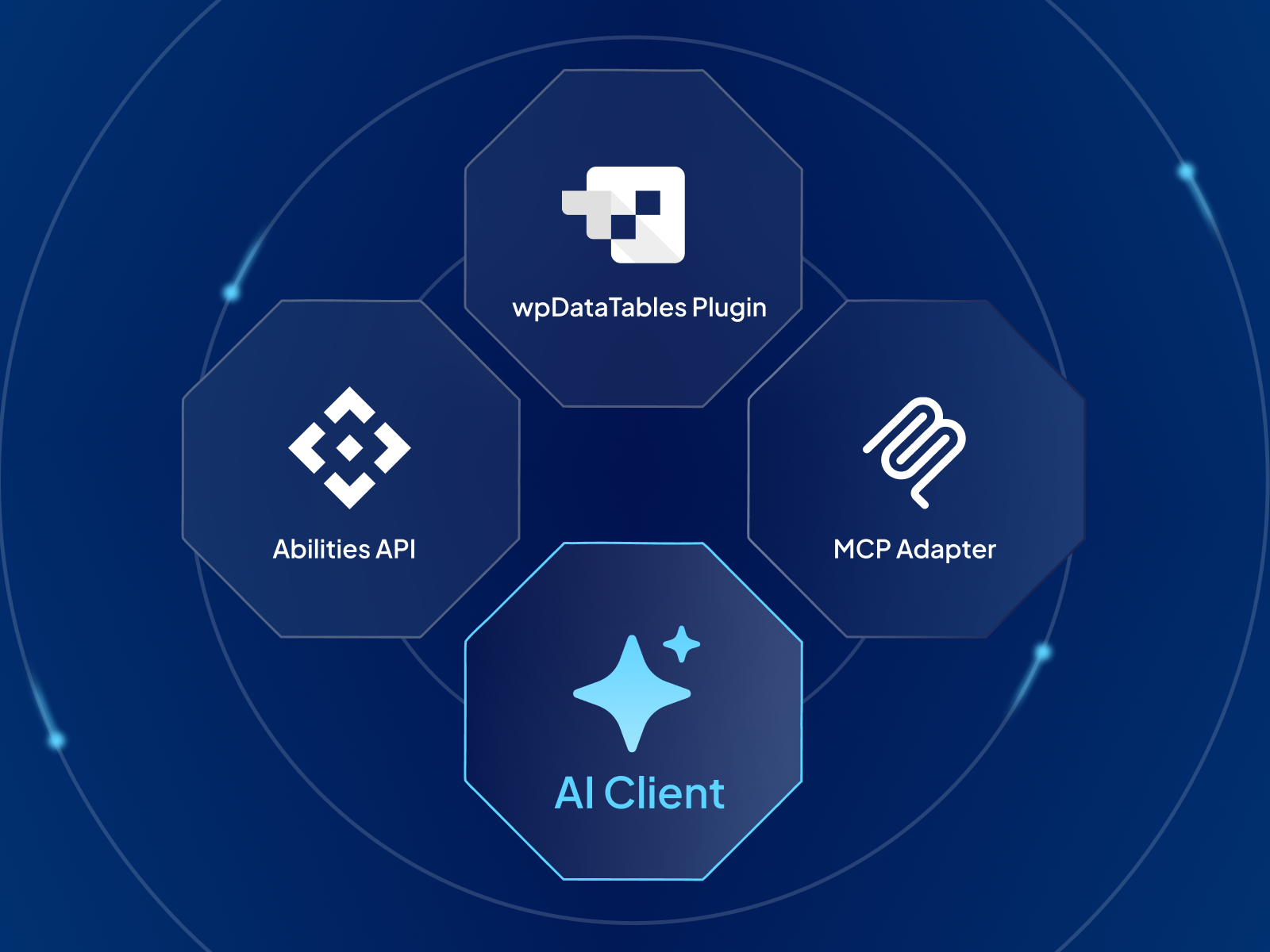
With the Model Context Protocol (MCP), wpDataTables lets compatible external AI assistants interact with supported tables, charts, and settings.
Version 8.0 strengthens this integration by connecting MCP actions with the plugin’s user permissions system.
This means your AI assistant can work with wpDataTables through authenticated, permission-checked actions.
Prefer working in Claude Desktop, Claude Code, or Cursor?
You can connect a compatible AI client to your WordPress website and use natural-language instructions to perform supported tasks.
For example, you can ask your assistant to:
- Create a new WordPress table.
- Retrieve information from an existing table.
- Update supported table settings.
- Generate a chart from your data.
And because the actions use wpDataTables’ existing functionality, your tables and charts remain available inside WordPress.
Your preferred AI assistant. Your WordPress data. One connected workflow.
3. Advanced User and Role Permissions: More Control Over Who Can Do What
When you’re managing tables and charts across a team or client project, access control matters.
Not every user should have the same permissions.
wpDataTables 8.0 introduces role- and user-based permissions for managing access to wpDataTables capabilities.
Administrators can configure permissions according to WordPress roles and individual users, helping ensure that people can perform the actions appropriate to their responsibilities.
This is particularly useful for agencies managing client websites, organizations with multiple WordPress users, and projects where different people work with different parts of the data-management process.
The new permissions system also plays an important role in AI integrations, ensuring that connected assistants operate within the permissions of the authenticated user.
What this means for you:
- More granular control over wpDataTables capabilities.
- Permissions based on roles and individual users.
- Better alignment between user access and AI-assisted workflows.
4. Angie AI Integration: Bring wpDataTables into Elementor AI Workflows
wpDataTables 8.0 also introduces integration with Angie AI, an AI agent for Elementor workflows.
This expands the ways users can interact with wpDataTables through AI-powered WordPress tools.
By making supported wpDataTables functionality available to Angie AI, the integration creates new possibilities for working with tables and charts as part of a broader website-building workflow.
It’s another step toward making wpDataTables more connected to the tools WordPress users already rely on.
5. AI Chart Suggestions: Find the Right Way to Visualize Your Data
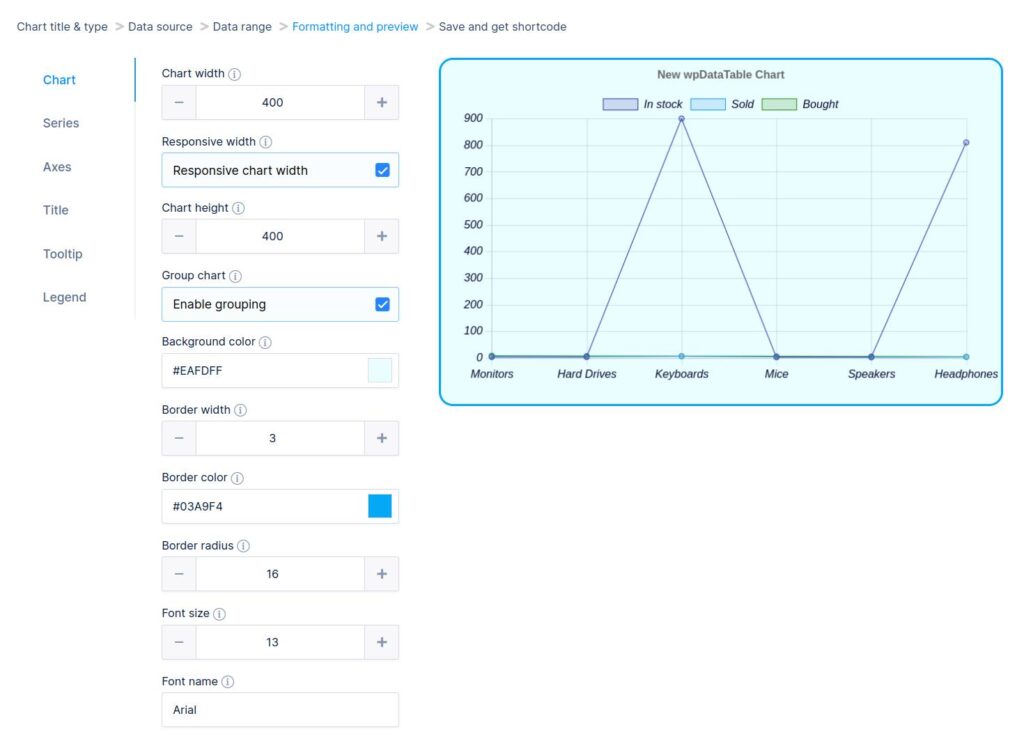
Choosing the right chart isn’t always straightforward.
Should you use a bar chart to compare values? A line chart to show changes over time? Which columns should appear on the axes?
With wpDataTables 8.0, AI-powered chart suggestions help you make those decisions.
The new functionality assists with selecting suitable visualization settings based on your data, helping you move through chart creation more efficiently.
It can suggest a chart type, rendering engine, title, and relevant columns, giving you a useful starting point that you can review and customize.
That means less guesswork and more time spent presenting your data effectively.
What this means for you:
- Get AI-assisted recommendations during chart creation.
- Spend less time choosing visualization settings.
- Keep control over the final chart and its appearance.
6. New REST API and Webhooks: More Possibilities for Developers
For developers and agencies building more advanced WordPress solutions, wpDataTables 8.0 brings two important additions.
Public REST API
The new public REST API allows developers to work with supported wpDataTables tables and data programmatically.
This opens up more possibilities for custom integrations and data-driven WordPress applications.
Rather than relying exclusively on manual interaction through the admin interface, developers can connect supported wpDataTables functionality to their own workflows and systems.
The public REST API is available with the Developer license.
Webhooks for Table Data Events
wpDataTables 8.0 also introduces webhooks for table data events.
Webhooks allow supported table events to trigger notifications to connected systems, creating opportunities for more automated data workflows.
For example, developers can use event-based integrations to connect table activity with other applications or processes.
Together, the REST API and webhooks make wpDataTables more flexible for projects that extend beyond a single WordPress website.
7. Improved IvyForms Integration
Forms are one of the most common ways to collect data on a WordPress website.
But collecting information is only the first step. Being able to work with it afterward is just as important.
With wpDataTables 8.0, we’ve expanded the IvyForms integration with server-side support for updating IvyForms entries from wpDataTables.
This improvement helps connect form submissions with the table-based workflows used to organize and manage the collected information.
Whether you’re working with registrations, requests, customer information, or other form submissions, IvyForms gives you more flexibility in how that data can be managed.
8. Smaller Improvements That Make a Difference
Not every improvement needs to be a headline feature.
wpDataTables 8.0 also includes several refinements designed to make everyday tasks easier.
Customize the “No matching records found” message
You can now customize the message visitors see when their search or filter returns no matching records.
The option is available through the Custom Strings tab in the table settings.
This gives you more control over the language used in your tables and helps create a more consistent experience for visitors.
Filtering and database fixes
The release also addresses issues affecting SQL column aliases, filtering in server-side processing tables, and separate database connection settings.
Security and stability improvements
Version 8.0 includes security fixes and additional improvements to table editing, rendering, and integrations.
Follow-up maintenance releases 8.0.1 and 8.0.2 address further compatibility and stability issues.
As always, we recommend keeping your wpDataTables installation updated to the latest compatible release.
A More Powerful wpDataTables, Without Changing the Way You Work
One of the things we’re most excited about with version 8.0 is that these improvements don’t force everyone into the same workflow.
If you prefer building tables manually, you can keep doing that.
If you want help writing SQL queries or choosing chart settings, AI-assisted tools can make those tasks easier.
If you work with an external AI assistant, MCP connects it with supported wpDataTables functionality.
And if you’re building more advanced WordPress projects, permissions, webhooks, and the REST API give you additional control and flexibility.
More powerful tools. More ways to work. The same goal: making WordPress data easier to manage and visualize.
Explore wpDataTables 8.0
From AI-powered SQL and smarter chart creation to advanced permissions and developer integrations, wpDataTables 8.0 brings meaningful improvements for everyday users and advanced teams alike.
We’re excited about what these capabilities make possible, and we’re continuing to build on them.
If you’re already using wpDataTables, update to the latest compatible version to explore the improvements available in your plan.
If you’re new to the plugin, now is a great time to discover what you can build.
For the complete list of changes, fixes, and maintenance releases, visit the official wpDataTables changelog.