

How to Use WooCommerce Subscription Plugins with Product Tables

Most WooCommerce stores follow the same playbook. Pretty product page. Big “Add to Cart” button. Hope buyers click through and check out. It works, but only up to a point.


Most WooCommerce stores follow the same playbook. Pretty product page. Big “Add to Cart” button. Hope buyers click through and check out. It works, but only up to a point.

When you need to display a lot of content clearly, a table is often the best option. It gives people a quicker way to scan information, compare items, and find what they need without digging through long pages of text.
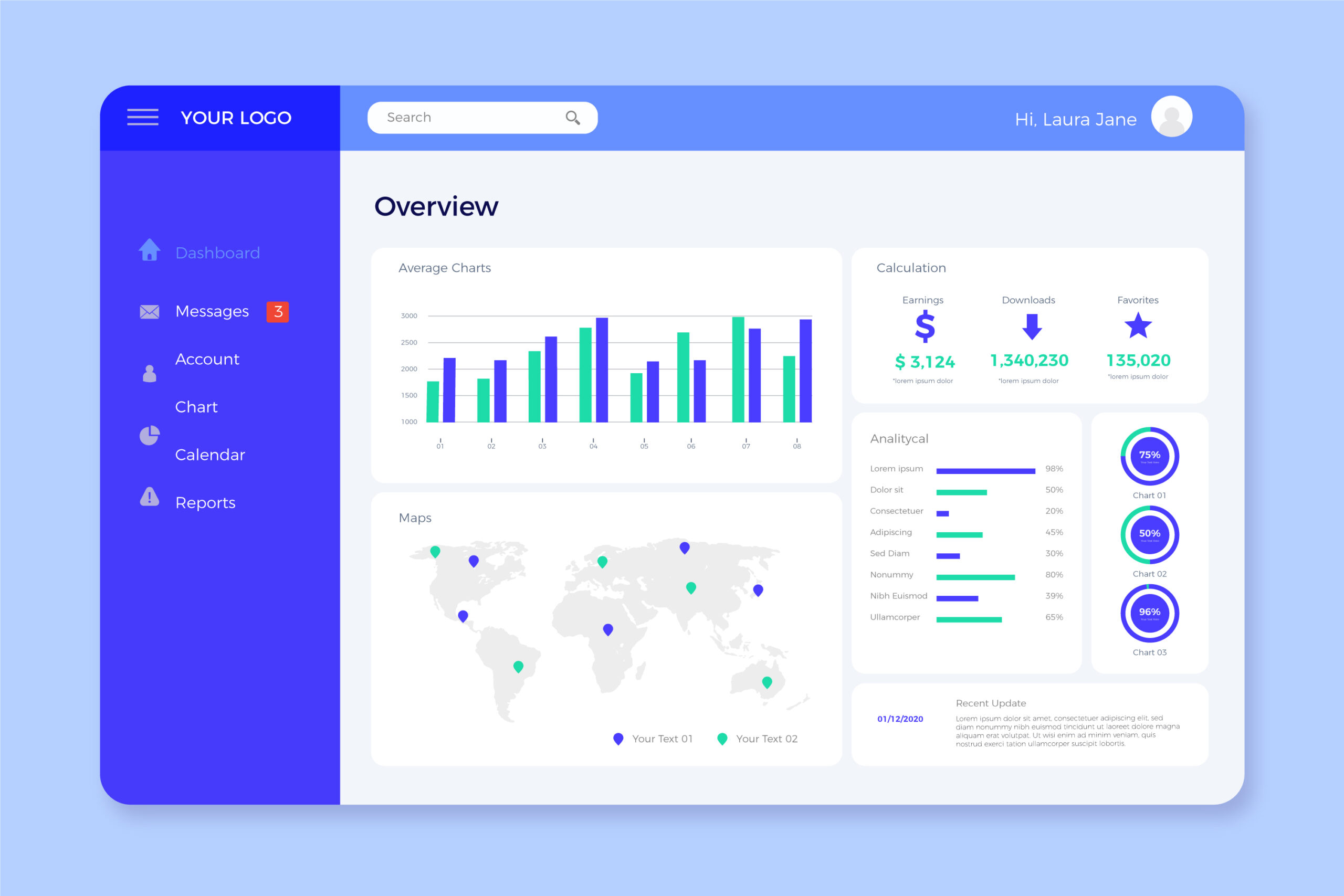
Clients want visibility without having to ask for updates all the time. They want one place where they can check project progress, campaign results, budgets, or key deliverables on their own.
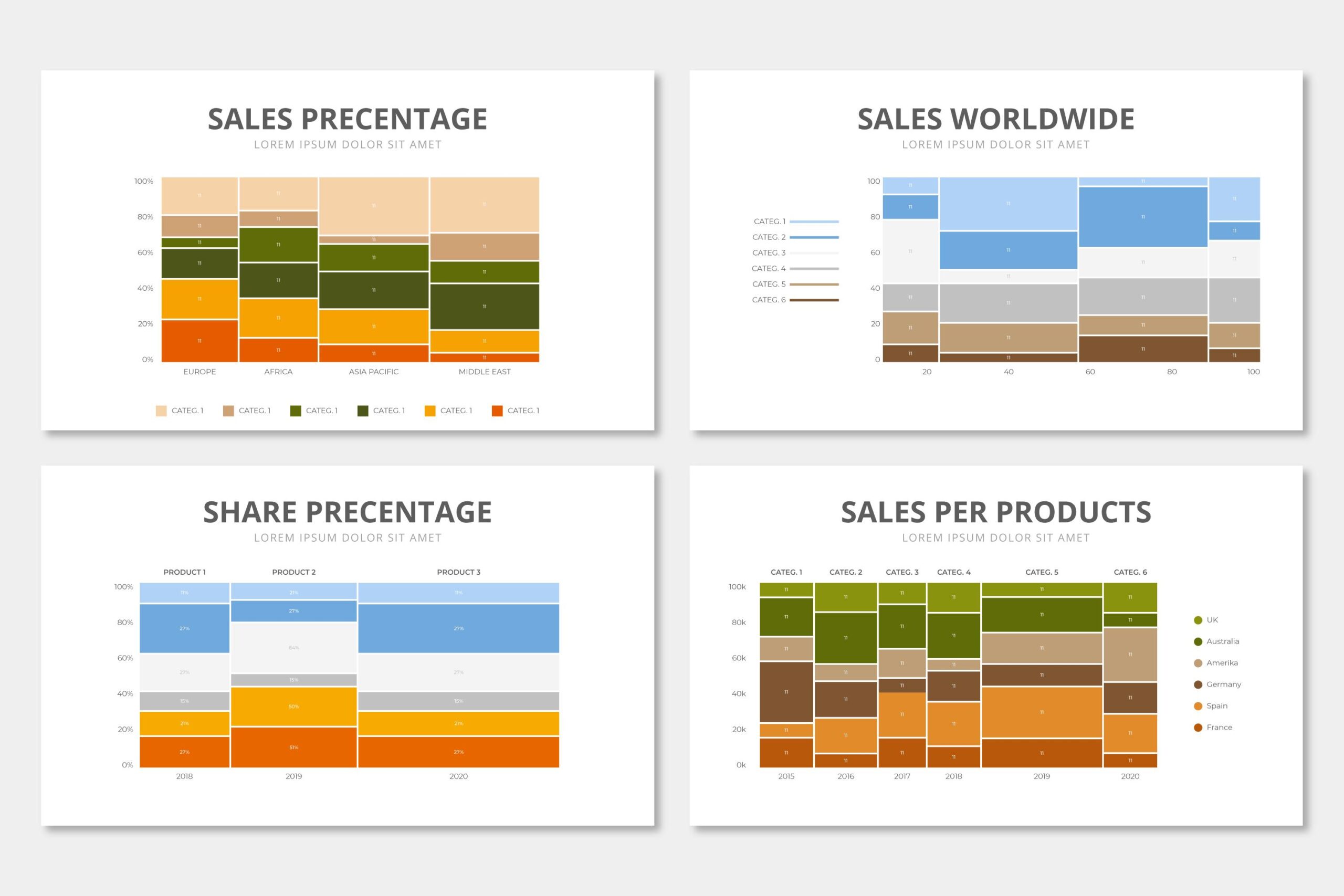
Data should answer questions, not create more of them.

Tables are one of those elements most WordPress users don’t think much about—until they actually need one. And when you’re comparing products, displaying pricing plans, or organizing large amounts of information, a simple paragraph just won’t cut it.