A lot of businesses already have useful data stored in Excel files, CSV exports, Google Sheets, JSON feeds, XML files, or internal systems.
The challenge is not creating that data. It is turning it into a clean, usable WordPress table without wasting time on manual copy-pasting and repetitive setup.
That is where wpDataTables helps.
It lets users create WordPress tables from existing files and spreadsheets, so they can work with the data they already have instead of rebuilding everything from scratch.
In this article, we will look at how wpDataTables works with Excel, CSV, XML, JSON, PHP arrays, private Google Sheets, and source file updates.
Table of Contents
Why Rebuilding Data Manually in WordPress Creates Extra Work
Manually rebuilding a table inside WordPress might seem manageable at first, especially when the dataset is small.
However, once the table has dozens of rows, multiple columns, or information that changes regularly, the process becomes much more time-consuming than it looks.
First, there is the obvious issue of time. Copying data row by row from a spreadsheet or export file into WordPress is repetitive work that adds little real value. You are not improving the data. You are just moving it from one place to another.
Then there is the accuracy problem. Manual entry makes it easier to break formatting, miss a value, paste data into the wrong column, or create inconsistencies across the table. Even small errors can make the final result look messy or unreliable.
Updates make the problem even worse. A price change, a new product, an updated report, or an edited schedule can turn into another round of manual fixes. Instead of maintaining one source of truth, you end up managing the same data twice.
This gets especially frustrating with larger datasets. What starts as a simple table can quickly become a maintenance burden.
If the data already exists, the smarter option is usually to import, connect, or sync it instead of recreating it manually.
What Kind of Existing Data Can You Turn Into a WordPress Table?
Not every business keeps data in the same place.
Some teams live in spreadsheets, others export files from business tools, and some work with data pulled from internal systems or custom setups.
That is why wpDataTables is useful in so many different workflows. It supports multiple file types and data sources, which means users can build WordPress tables from information they already manage elsewhere instead of reshaping everything manually for the website.
Excel files
Excel is still one of the most common places businesses keep structured data. It is often where important information already lives long before anyone thinks about publishing it on a WordPress site.
That can include product price lists, financial reports, internal business records, comparison tables, or employee and department data. In many cases, the spreadsheet is already organized well enough to serve as the foundation for a table visitors or team members need to view online.
So instead of copying each row into WordPress by hand, you can upload the Excel file they already maintain as the starting point. That saves time, reduces duplicate work, and makes it easier to publish structured data without rebuilding it from scratch.
CSV files
CSV files are one of the most practical starting points for WordPress tables because so many platforms export data in this format by default.
A business might already have ecommerce product data exported from its store, customer or booking lists pulled from a scheduling tool, CRM exports from a sales platform, marketing performance data from reporting software, or directory-style content collected in another system.
In other words, the table content often already exists. It is just sitting in a plain, structured file. That is what makes CSV so useful here. Instead of treating exported data as something that has to be cleaned up and rebuilt manually, you can turn CSV files into a WordPress table and make that data easier to browse, compare, or publish.
XML files
XML is often associated with structured, machine-readable data, but that does not mean it has to stay hidden in the background.
Many businesses already work with XML in the form of product feeds, real estate listings, supplier catalogs, marketplace exports, directory data, or other system-generated records.
For site owners, that creates an opportunity. Data that was originally created for systems, integrations, or feeds can still be repurposed into a front-end table that people can actually read and use. That can be especially helpful when a business wants to display structured external data in WordPress without manually translating it into a new format first.
JSON files
JSON is common in modern tools, apps, and integrations, so it is often the format behind data that businesses already use every day. That might include API-based datasets, app-generated records, reporting dashboards, live or semi-dynamic data sources, or structured content coming from external platforms.
What matters is that the data may already exist in a clean, organized structure outside WordPress. For users working with connected systems or modern workflows, JSON makes it possible to bring that information into a table without rebuilding it manually. It is a useful option when WordPress needs to display data that originates somewhere else.
PHP arrays
Some workflows are more custom than spreadsheet-based.
In those cases, the data may already exist inside a WordPress or PHP environment as a PHP array. That could include developer-generated data, plugin-generated datasets, outputs based on custom business logic, or internal application data that needs to be shown on a WordPress site.
This is useful because not every table starts with a file import. Sometimes the data is already being generated programmatically and just needs a proper way to be displayed. For more custom use cases, PHP arrays make it possible to turn existing internal data into a structured table without creating an extra export step just to get it into WordPress.
Can You Use Data From Spreadsheets You Already Manage?
For many teams, the real question is not whether they can build a table from a file. It is whether they can use the spreadsheet they already update every week without turning WordPress into a second place to manage the same data.
Creating tables from private Google Spreadsheets
That is especially relevant for teams working in Google Sheets. Unlike static files, Google Spreadsheets are often live working documents. They are updated by multiple people, adjusted over time, and used as an active source of truth rather than a one-time export.
This makes them useful for collaborative workflows like schedules, price lists, internal trackers, directories, and reporting tables. When the spreadsheet is already where the real data lives, recreating that same content manually in WordPress only adds more work and more room for mistakes.
A better approach is to build the table from the spreadsheet itself. That way, teams can keep managing data in Google Sheets while using WordPress to display it. And that remains useful even when the spreadsheet is private, since the goal is not to rebuild the data somewhere else, but to work from the source that already exists.
How wpDataTables Works With the Data You Already Have
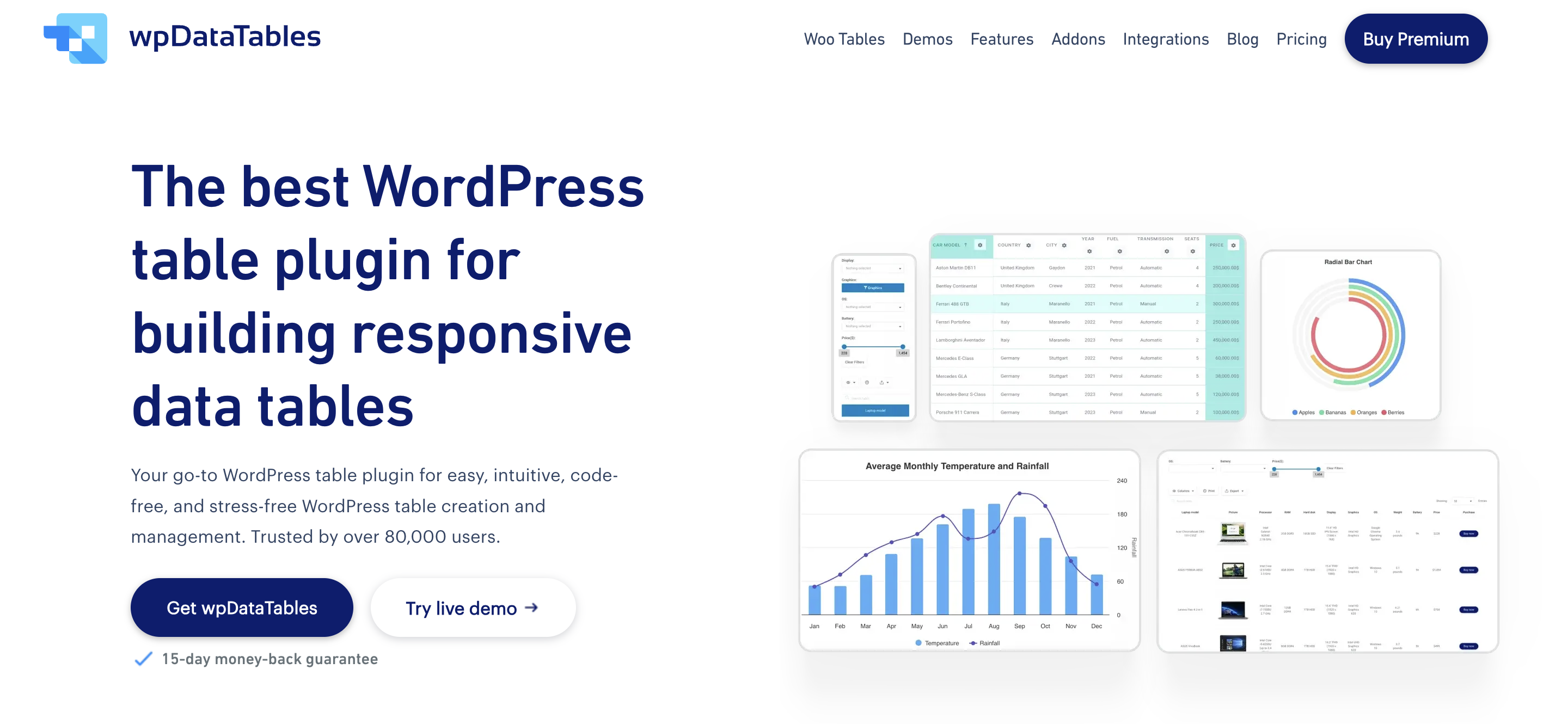
wpDataTables is built for the exact situation many businesses run into: the data already exists, but it is stored somewhere outside WordPress.
Instead of forcing you to rebuild that information manually, the plugin makes it possible to create tables from the files, formats, and spreadsheet sources you already work with.
That includes Excel files, CSV files, XML and JSON data, PHP arrays, and even private Google Spreadsheets.
This flexibility matters because different teams manage data in different ways. Some rely on spreadsheets, some work with exports from other platforms, and some pull structured data from internal tools or custom workflows.
wpDataTables also helps when the work is already underway. If a table started as a manual one, it can still be updated from source files later, which makes the workflow easier to maintain as the data grows or changes. In practice, that means WordPress can display the data without becoming the place where everything has to be rebuilt from scratch.
Once your spreadsheet is connected, you can also create tables from your data with AI, describing the view you want instead of configuring each column by hand
What If You Already Built a Table, But the Source File Changes?
Not every table starts with the perfect workflow.
Sometimes a team builds a table manually because it is the fastest option at the time. But later, the data grows, the source file gets updated, or the table becomes something that needs regular maintenance. That is when manual editing starts to break down.
Updating manual tables from source files
This situation is more common than it sounds. A product sheet gets revised, pricing changes every month, a catalog expands, or internal reports are updated on a regular basis. What was once a small manual table can turn into a repetitive maintenance task that takes more effort than it should.
wpDataTables helps here by letting users update manual tables using source files.
That makes it easier to move from a one-time manual setup to a more efficient workflow without starting over completely. Instead of treating every change as another round of hand edits, users can work from the updated source data and keep the table current with less duplicate work.
This is especially useful for businesses that did things manually at first, then reached the point where that approach no longer scales.
Who Benefits Most From Creating Tables From Existing Files and Spreadsheets?
This approach is especially useful for people who already have structured data and do not want WordPress to become another place where that same information has to be recreated and maintained manually.
Businesses managing product or pricing data
Businesses that work with product or pricing information often benefit first.
That includes wholesalers, ecommerce businesses, manufacturers, and service businesses that need package comparisons or pricing breakdowns on their site.
In these cases, the data usually already exists in spreadsheets, exports, or internal files. The real need is not to rebuild it, but to present it clearly in WordPress and keep it manageable over time.
Teams publishing reports, directories, or internal data
This is also useful for teams that regularly publish structured information for staff, clients, or the public.
Agencies may need reporting tables, schools may need directories or schedules, nonprofits may publish resource lists, and HR or operations teams may need a clean way to display internal records.
When this kind of information already lives in a spreadsheet or source file, turning it into a table is much more efficient than rebuilding it by hand.
Site owners who want to avoid duplicate work
A lot of users fall into a simpler category: they already manage data somewhere else and do not want to manage it twice.
That includes people maintaining spreadsheets outside WordPress, teams working across multiple tools, businesses that update data often, and anyone who wants WordPress to display information rather than become the place where it is manually rebuilt.
For them, the biggest benefit is not just convenience. It is removing unnecessary work from the process.
Closing Thoughts
For many businesses, the data is not the problem. They already have it. It may be sitting in a spreadsheet, an export file, a feed, or an internal system that is already part of their daily workflow. The real challenge is turning that existing data into clean, usable tables inside WordPress without creating extra work.
That is where wpDataTables is useful.
By supporting multiple file formats and spreadsheet-based workflows, it helps bridge the gap between where data already lives and where it needs to be displayed. Instead of rebuilding tables manually, users can work with the data they already have and publish it in a more practical, efficient way.
With wpDataTables, WordPress does not have to be the place where data gets rebuilt from scratch. It can simply become the place where existing data is displayed, organized, and kept useful.