How do I add wpDataTables tables and charts in the Gutenberg editor?
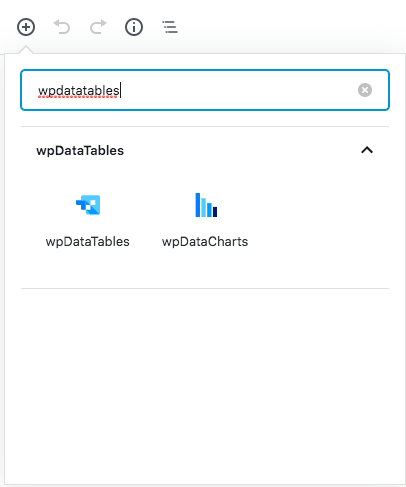
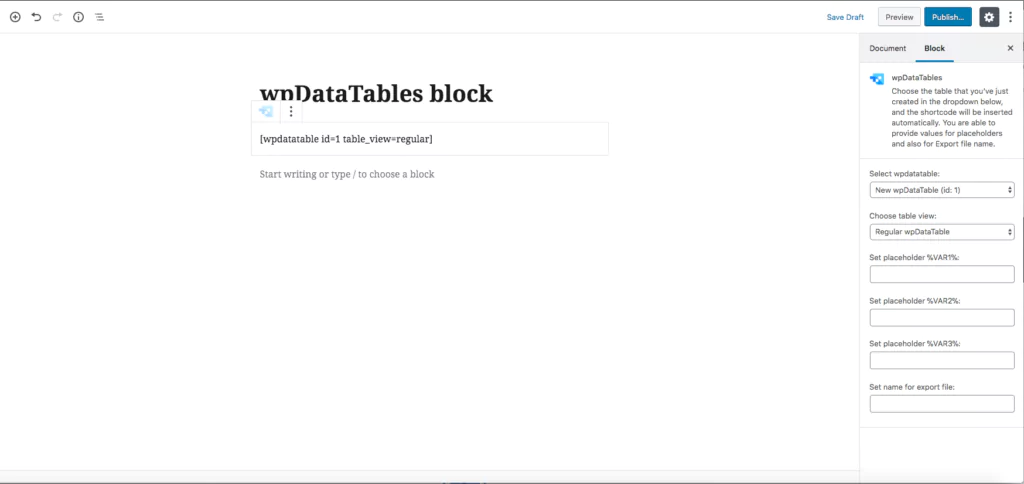
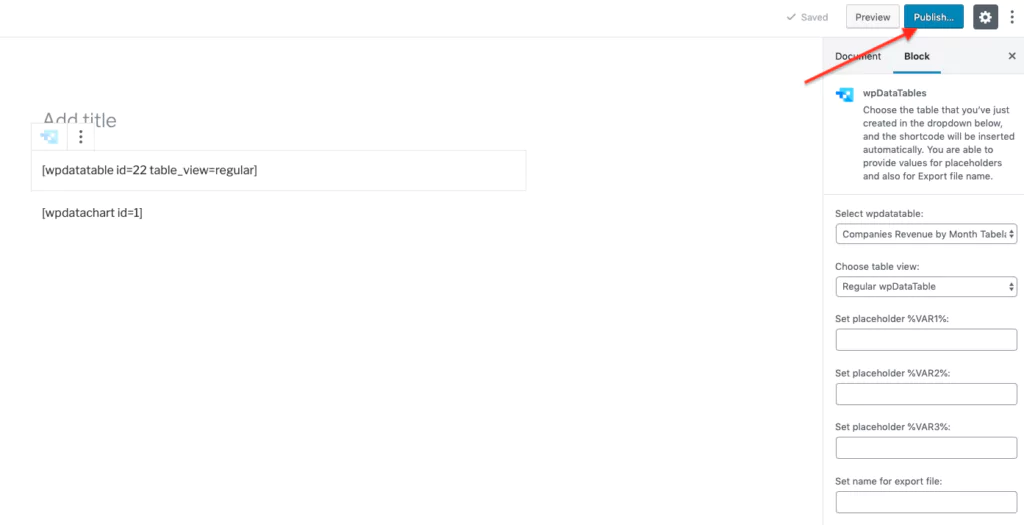
You add wpDataTables tables and charts in Gutenberg by clicking the + icon, typing wpDataTables or wpDataCharts, and selecting the block to insert its shortcode. The block settings in the right-hand menu let you pick the table or chart and configure it.